.wsdict mapping
Human commands, backend methods.
Open dictionaries turn natural scripting into concrete calls against application-specific backends.
openCDP.Page.navigate
click buttonCDP.DOM.click
wait until loadedCDP.Page.lifecycleEvent
WinScript-lang. The open scripting language for Windows that bridges the gap between AI agents and application APIs.
Parse, resolve, dispatch, and execute Windows automation the way humans and agents think: readable, structured, and API aware.
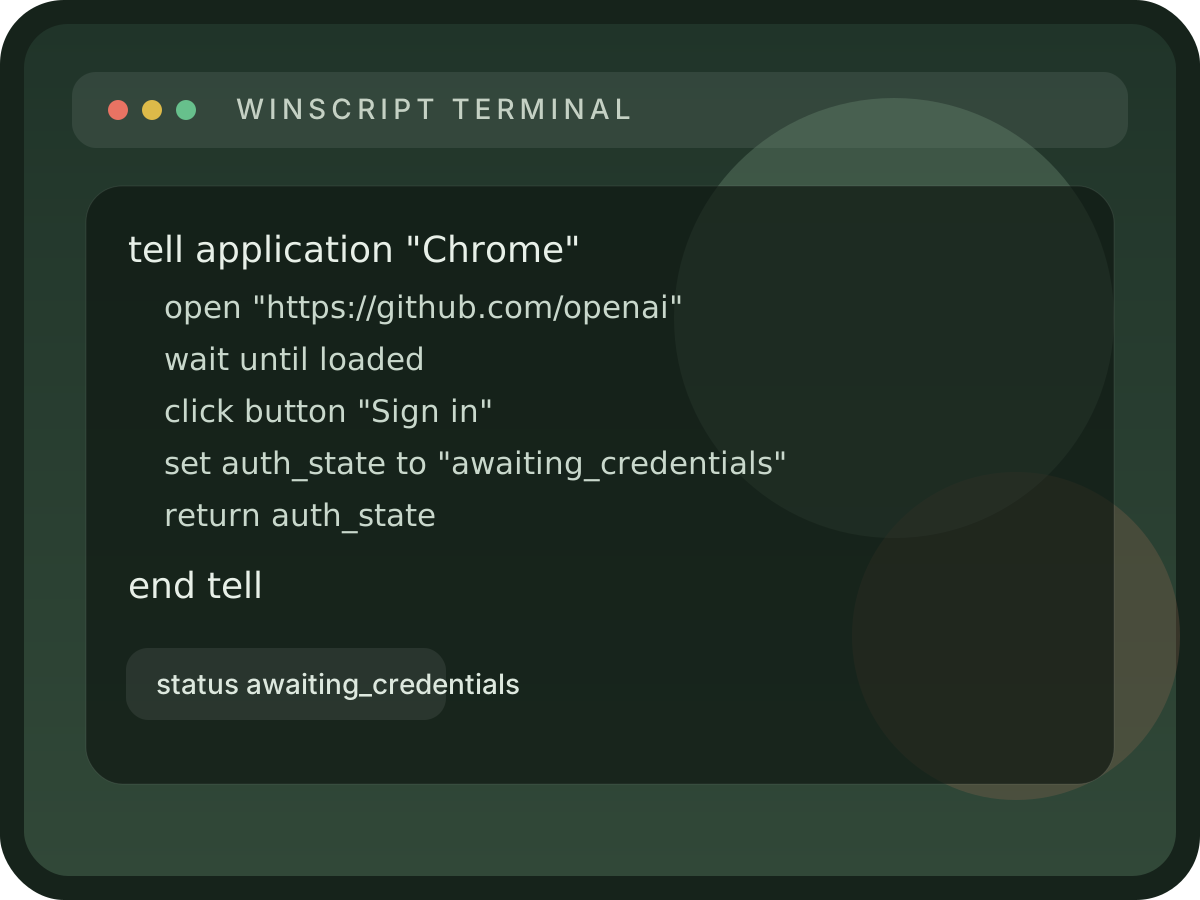


The language looks natural, but each command resolves through dictionaries, dispatchers, and backends designed for real Windows automation.
tell application "Chrome"
    open "https://github.com"
    wait until loaded
    click button "Sign in"
    set auth_state to "awaiting_credentials"
    return auth_state
end tellOpen dictionaries turn natural scripting into concrete calls against application-specific backends.
app: Chrome
backend: cdp

commands:
  open:
    mapsTo: CDP.Page.navigate
    args:
      url: string

  click button:
    mapsTo: CDP.DOM.click
    target:
role: buttonWinScript exposes discrete tools for validation, capability discovery, command introspection, and execution, which gives Claude-class agents a safer way to automate Windows.
The language is designed so a human can describe a workflow plainly and an agent can still reason about the execution path underneath.
Move between Chrome, VS Code, Excel, Slack, and future Windows targets with a dictionary-driven model instead of brittle screen coordinates.
Use tell blocks, variables, waits, and try/catch structures to express the flow of automation the same way you would describe it to a teammate.
WinScript exposes structured MCP tools so agents can validate, inspect, and execute scripts against known application capabilities.
Start with the small set of primitives that make WinScript readable for people and executable for automation systems.
The docs route covers the architecture pipeline, MCP tools, language primitives, `.wsdict` format, and the testing baseline behind the project.
The current shape of the project already points to a language runtime rather than a fragile browser hack.